Debugging Slow WPGraphQL Responses Under Concurrent Load
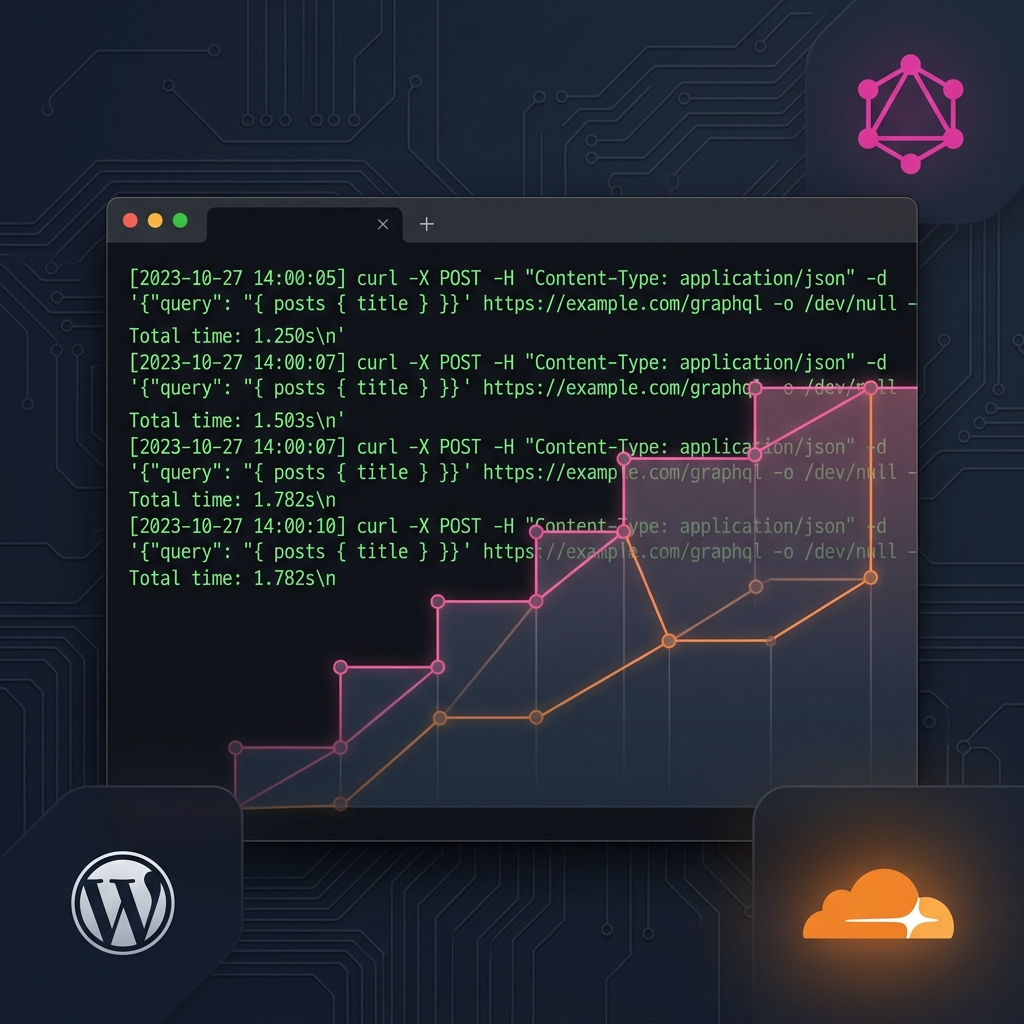
10 concurrent GraphQL requests ramped from 600ms to 3.4s. Here is the full debugging story: what I checked, what fooled me, and where the bottleneck actually was.
Engineering Blog
WordPress troubleshooting, server optimization, DNS architecture, and lessons from real hosting incidents. Written from 3,500+ resolved support cases.

10 concurrent GraphQL requests ramped from 600ms to 3.4s. Here is the full debugging story: what I checked, what fooled me, and where the bottleneck actually was.

101 products lost featured images. 46 categories lost thumbnails. Files were gone from disk. The culprit was a media cleanup plugin running in expert mode.

Normal visitors saw the real homepage. Mobile visitors from Google got a casino AMP page. Here is how I found the trigger.

A staging clone looked ready, but I still compared the real page structure, links, images, and domains before launch.

Wordfence flagged 7 files. The real infection was 30+ backdoors, a WSO web shell, and malware payloads stored inside WordPress database options. Here is the full forensic cleanup.

Credentials correct, MySQL running, tables intact. The real cause was a domain mismatch in wp_site and wp_blogs that WordPress checks before it even tries to load your site.

Before guessing at a WordPress issue, I run a compact SSH audit: updates, admins, cron, logs, autoload, cache, and integrity.

Need one meta key from a 600MB mysqldump but can't create a temp database? grep won't work on extended INSERT format. Here's a Python script that parses the dump, extracts exactly the rows you need, and outputs clean INSERT statements ready to import.

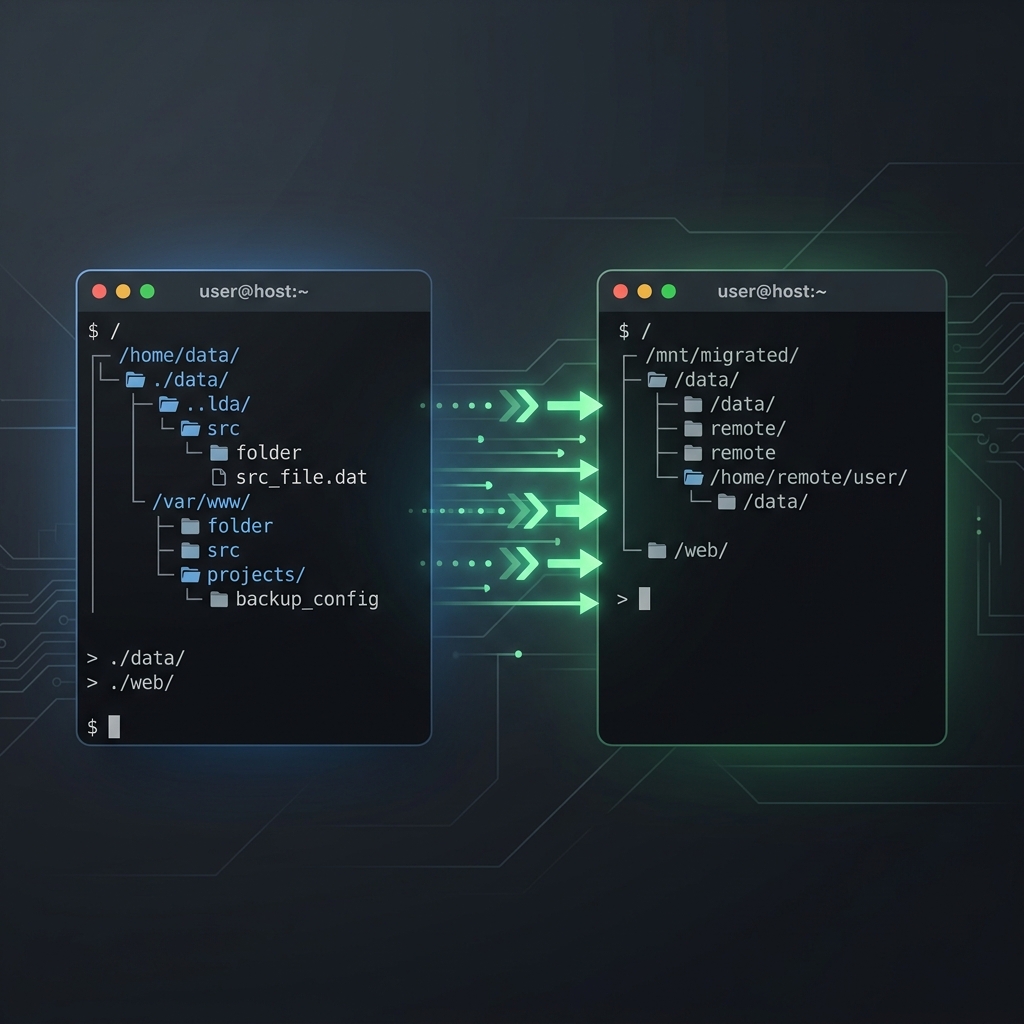
Using --exclude='cache/' in your rsync command? That pattern matches at every directory level and silently deletes plugin source code. Here's what happened during a real migration, why it broke two plugins, and the correct exclusion list you should use instead.

This is the most common WordPress emergency. Here is the exact troubleshooting workflow I use to diagnose and fix it in production, step by step, with real commands.
Learn how to protect your WordPress website from common security threats with these essential tips.
A comprehensive guide to selecting the perfect web hosting solution for your business needs.
Connect on LinkedIn for updates
I share troubleshooting insights, infrastructure tips, and career updates on LinkedIn.
Connect on LinkedInI use these same strategies to resolve critical incidents for production WordPress sites. If you're stuck, I can usually identify the root cause within minutes.
Request Technical Help