TL;DR
A headless WordPress site (WPGraphQL backend, Vercel frontend) showed request serialization under concurrent load: 10 parallel requests ramped linearly from 0.6s to 3.4s instead of finishing together at ~0.6s. After checking PHP session locking, worker pools, MySQL locks, and Cloudflare behavior, the server showed zero serialization. All 10 requests ran in parallel. The real bottleneck was HTTP/2 multiplexing on the client side (Vercel reusing a single connection). The fix: switch read queries from POST to GET so Cloudflare caches them at the edge, dropping response time to under 100ms.
The Setup
A client ran a headless WooCommerce store. Vercel handled the frontend (Next.js SSR). WordPress on a dedicated server handled the backend through WPGraphQL. Every product page triggered a GraphQL query to fetch product data: name, images, 30 ACF meta fields, up to 50 variations with nested attributes. The full query was heavy.
Cloudflare Enterprise sat between Vercel and the origin. WPGraphQL Smart Cache and Object Cache Pro (Redis backed) were both active on the WordPress side.
The Problem
The client reported a clear serialization pattern when load testing from Vercel:
Single request:    ~600ms  ✓
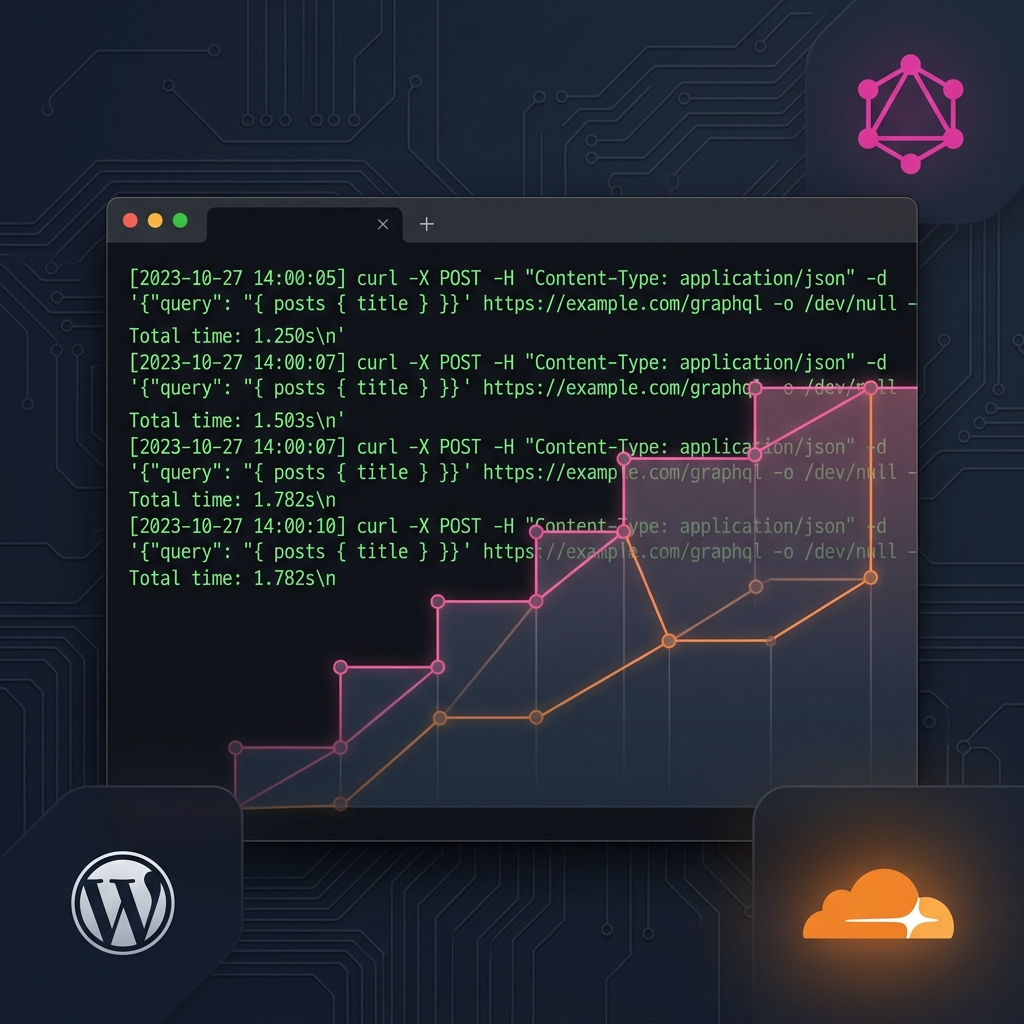
10 concurrent:     0.6s → 3.4s linear ramp  ✗
Each request was waiting for the previous one to finish before starting. Classic queue behavior. Their product pages were flagged in Google Search Console: 255 URLs with LCP over 4 seconds.
They suspected PHP session locking or worker pool exhaustion. I started digging.
Step 1: Check PHP Session Locking
First suspect. If WooCommerce calls session_start(), PHP locks the session file. Every concurrent request sharing the same session has to wait for the lock to release.
grep -rn "session_start\|session_write_close" ~/public_html/wp-content/plugins/wp-graphql-woocommerce/
Nothing. The WPGraphQL WooCommerce plugin uses JWT tokens for session management, not PHP file sessions. I also checked the WooCommerce core session handler:
grep -rn "session_start\|session_write_close" ~/public_html/wp-content/plugins/woocommerce/includes/class-wc-session-handler.php
Empty result. No session_start() anywhere. I checked /tmp/sess_* and /var/lib/php/sessions/ for session files on disk. Nothing there either.
PHP session locking ruled out.
Step 2: Check PHP Worker Limits
If the server only has 2 or 3 PHP workers, 10 concurrent requests will queue. On a shared host, this would be the obvious answer.
ps aux | grep lsphp | grep -v grep
Only 1 idle lsphp process visible at rest. That looked suspicious. But this was a dedicated Enterprise node. I checked the hardware:
nproc && free -h | head -3
16
               total        used        free      shared  buff/cache   available
Mem:            57Gi        25Gi       3.3Gi       2.0Gi        31Gi        32Gi
16 cores. 57GB RAM. 32GB available. This server had plenty of headroom. LiteSpeed spawns workers on demand, so seeing 1 at rest did not mean the limit was 1. I needed to check during load. More on that in Step 6.
Step 3: The Localhost Red Herring
I tried to reproduce the serialization by hitting the server locally, skipping Cloudflare:
for i in $(seq 1 5); do
  curl -s -o /dev/null -w "req$i: %{time_total}s\n" \
    'http://localhost/graphql?query=%7B__typename%7D' &
done; wait
req2: 0.004380s
req3: 0.003687s
req1: 0.004479s
req5: 0.004322s
req4: 0.004788s
0.004 seconds? WordPress does not boot in 4 milliseconds. Something was wrong. I checked the actual response:
curl -sv 'http://localhost/graphql?query=%7B__typename%7D' 2>&1 | head -20
< HTTP/1.1 404 Not Found
< Server: nginx
Nginx returned a 404 without ever touching PHP. The localhost vhost was not configured to serve this site. Every "fast" result was just a quick error response.
Lesson: always check the response body, not just the timing.
Step 4: The Origin Domain Red Herring
The server had a CDN origin URL (cdn123abc.hostcdn.site). I tried hitting that directly with a mismatched Host header:
curl -s -D- -X POST -H "Content-Type: application/json" \
  -H "Host: shop.example.com" \
  -d '{"query":"{ product(id: \"test-product\", idType: SLUG) { name } }"}' \
  'https://cdn123abc.hostcdn.site/graphql'
HTTP/2 403
server: cloudflare
403 Forbidden. The origin URL resolved to Cloudflare IPs, and the Host header mismatch triggered a block. All my earlier "fast" tests against this URL were returning instant 403s from Cloudflare's edge. I was measuring Cloudflare's rejection speed, not WordPress performance.
Two red herrings down. I needed to test properly.
Step 5: The Real Test
I hit the actual domain with POST requests (matching what Vercel sends). POST bypasses Cloudflare's cache, so every request reaches PHP:
for i in $(seq 1 10); do
  curl -s -o /dev/null -w "req$i: %{time_total}s\n" \
    -X POST -H "Content-Type: application/json" \
    -d '{"query":"{ product(id: \"test-product\", idType: SLUG) { name slug description } }"}' \
    'https://shop.example.com/graphql' &
done; wait
req3: 1.443907s
req1: 1.444102s
req10: 1.443167s
req8: 1.443718s
req6: 1.442978s
req2: 1.444975s
req5: 1.444095s
req9: 1.444052s
req7: 1.445474s
req4: 1.447102s
All 10 finished within a 4 millisecond window. No linear ramp. No serialization. They ran completely in parallel.
The response headers confirmed WPGraphQL Smart Cache was serving from object cache:
"graphqlSmartCache": {
  "graphqlObjectCache": {
    "message": "This response was not executed at run-time but has been returned from the GraphQL Object Cache"
  }
}
Step 6: Direct Origin Test (Bypassing Cloudflare Entirely)
I used the server's actual IP with --resolve to skip Cloudflare completely:
for i in $(seq 1 10); do
  curl -s -o /dev/null -w "req$i: %{time_total}s\n" \
    -X POST -H "Content-Type: application/json" \
    -H "Host: example.com" \
    --resolve example.com:443:192.0.2.50 \
    -d '{"query":"{ product(id: \"test-product\", idType: SLUG) { name slug description } }"}' \
    'https://example.com/graphql' &
done; wait
req2: 3.609718s
req9: 3.608636s
req10: 3.607884s
req1: 3.609386s
...
req6: 3.615208s
Slower (3.6s vs 1.44s through Cloudflare), but still parallel. The 8ms spread across all 10 confirmed zero serialization. The extra time was raw PHP processing without caching optimization.
I monitored the process table during this test:
ps aux | grep lsphp | grep -v grep | wc -l
34
34 lsphp processes for 10 requests. LiteSpeed was spawning workers aggressively. No pool limit. MySQL showed 4 connections, all idle. No locks, no contention.
Step 7: Where the Serialization Actually Lives
The server was clean. 10 concurrent requests, all parallel, every time. So where was the client's linear ramp coming from?
The client tested from Vercel's SSR layer. Node.js fetch() with HTTP/2 multiplexes all outbound requests over a single TCP connection by default. When 10 requests share one connection to Cloudflare, they can get serialized at the connection level. Each request waits for the previous response to complete before the next one gets a full response slot.
My curl tests opened 10 independent TCP connections (one per background process). That is why they ran in parallel. The client's Vercel runtime reused a single connection. That is why they serialized.
The Fix
Product queries are public, anonymous, and read-only. They should never hit PHP on every request.
Switch from POST to GET. GraphQL read queries work fine as GET requests with the query in the URL query string. Cloudflare's cache rule (already configured for this site) caches GET /graphql responses at the edge. With Smart Cache handling invalidation on content changes, stale data is not a concern.
Result: response time drops from ~1 second (PHP) to under 100ms (Cloudflare edge cache). Concurrency stops being a factor entirely because cached responses do not touch the origin.
For cases where POST is required (mutations, cart operations, authenticated requests), the client should review their Node.js HTTP agent configuration. Setting maxSockets or using separate http.Agent instances prevents HTTP/2 multiplexing from serializing independent requests.
What I Learned
Check the response body before trusting timing. Two separate test approaches gave me sub-50ms results that looked like proof of no bottleneck. Both were hitting error responses, not WordPress.
Test through the same path your users take. Localhost, origin IPs, and CDN URLs all behave differently. The only valid test was hitting the actual production domain with the same HTTP method the frontend uses.
Serialization is not always server-side. The instinct is to blame PHP workers, session locks, or database contention. Sometimes the bottleneck is in how the client makes its requests. HTTP/2 multiplexing is invisible unless you are specifically looking for it.
GET vs POST matters more than you think for GraphQL. CDNs cache GET by default and bypass POST by default. For read-heavy headless setups, this single change can eliminate the entire performance problem.
Frequently Asked Questions
Why do concurrent WPGraphQL requests slow down under load?
The most common causes are PHP session locking (WooCommerce using session_start()), limited PHP worker pools, database lock contention, or HTTP/2 multiplexing on the client side. The first step is isolating which layer causes the slowdown: fire concurrent requests from the server itself (bypassing CDN and client) and compare timing against external requests.
Can Cloudflare cache GraphQL POST requests?
Cloudflare Enterprise supports POST caching through custom cache rules and cache keys based on request body hash. However, most setups treat POST as dynamic/uncacheable by default. The simpler approach: convert read queries to GET. GET requests are cacheable by every CDN without special configuration, and GraphQL queries work fine as URL query parameters.
Does WPGraphQL Smart Cache actually help with concurrent requests?
Yes, but only at the PHP layer. Smart Cache stores resolved GraphQL responses in the WordPress object cache (Redis). When a cached response exists, WPGraphQL skips full query resolution and returns the stored result. This reduces CPU time per request but does not eliminate WordPress bootstrap overhead. For true concurrency gains, you need edge caching (CDN) so requests never reach PHP at all.
How do I check if PHP session locking is causing serialization?
Search for session_start() calls in your active plugins: grep -rn "session_start" ~/public_html/wp-content/plugins/. Check for session files on disk: ls /tmp/sess_*. If WooCommerce or another plugin starts PHP sessions, every request sharing the same session cookie will serialize. The fix is usually calling session_write_close() early or switching to a non-blocking session handler.
Why does switching GraphQL from POST to GET improve performance?
CDNs (Cloudflare, Fastly, Vercel Edge) cache GET responses by default based on URL. POST responses are treated as dynamic and bypass cache. When you send a GraphQL read query as GET with the query in the URL, the CDN caches the first response and serves subsequent identical requests directly from the edge. No PHP execution, no database queries, no origin round-trip. Response times drop from hundreds of milliseconds to single-digit milliseconds.
What is HTTP/2 multiplexing and how does it cause request serialization?
HTTP/2 allows multiple requests to share a single TCP connection (multiplexing). In theory, all requests run in parallel. In practice, if the server processes responses sequentially on that connection (or if response sizes cause head-of-line blocking), later requests wait for earlier ones. Node.js fetch() and most HTTP clients default to HTTP/2 connection reuse. If you see serialization from your app but not from independent curl processes, HTTP/2 multiplexing is likely the cause. The fix is configuring your HTTP agent to use multiple connections or separate agents per request group.