TL;DR
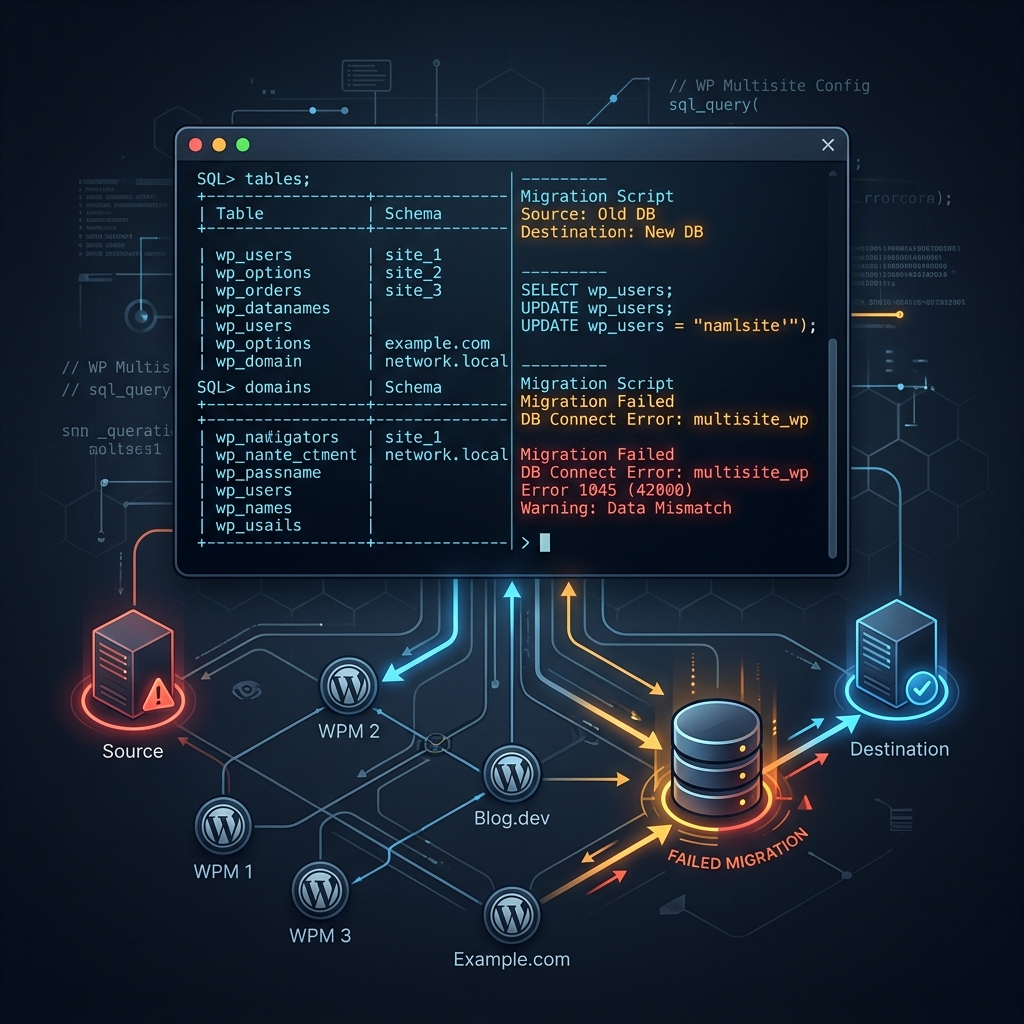
If you migrated a WordPress Multisite and see "Error establishing a database connection" even though your credentials are correct and MySQL is running, check the wp_site and wp_blogs tables. They likely still have the old domain. WordPress Multisite looks up the requesting domain in these tables before it does anything else. If it does not find a match, it dies with a generic database error instead of telling you the domain is wrong.
-- Check what domain your multisite thinks it is
SELECT domain FROM wp_site;
SELECT blog_id, domain, path FROM wp_blogs;

-- Fix it
UPDATE wp_site SET domain='newdomain.com' WHERE domain='olddomain.com';
UPDATE wp_blogs SET domain='newdomain.com' WHERE domain='olddomain.com';
The Setup
A client migrated their WordPress Multisite from a production server to a staging environment on Rocket.net. The staging subdomain was staging123.onrocket.site. Standard migration: files synced, database imported, wp_options updated with the new URLs. Should have been straightforward.
The site loaded this:
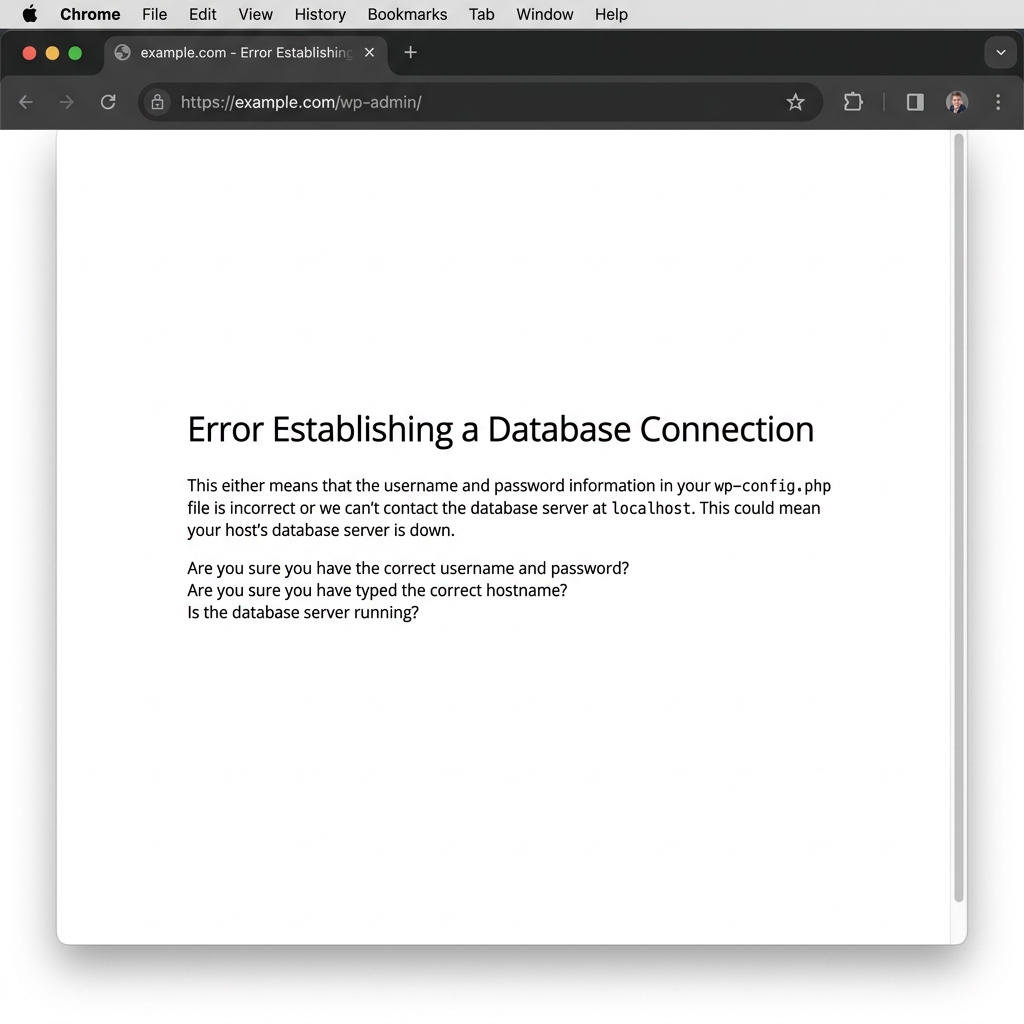 Error Establishing a Database Connection
No WordPress dashboard. No login page. Just the white screen with that one line of text.
Step 1: The Obvious Checks (All Passed)
First thing I did was pull up wp-config.php and confirm the database credentials:
define( 'DB_NAME', 'staging_prod' );
define( 'DB_USER', 'staging_prod' );
define( 'DB_PASSWORD', 'xK-mz39P(4' );
define( 'DB_HOST', 'localhost' );
Then tested the connection directly:
mysql -u staging_prod -p'xK-mz39P(4' -e "SELECT 1;"
+---+
| 1 |
+---+
| 1 |
+---+
Connection works. Credentials are correct.
Step 2: Table Integrity Check (Also Passed)
Maybe corrupted tables? Ran wp db check:
wp db check
staging_prod.wp_options          OK
staging_prod.wp_posts            OK
staging_prod.wp_postmeta         OK
staging_prod.wp_users            OK
staging_prod.wp_usermeta         OK
staging_prod.wp_blogs            OK
staging_prod.wp_site             OK
...
Success: Database checked.
Every single table returned OK. Over 180 tables across 5 subsites, all clean. If you want to know what the standard troubleshooting workflow looks like for this error, I covered the full process in my database connection error guide.
Step 3: Looking for Drop-in Overrides
WordPress has a little-known feature called "drop-in plugins." A file named db.php inside wp-content/ can completely override the database connection logic. If someone left a broken one behind, it would explain why CLI works but the web frontend does not.
ls -la wp-content/db.php
ls: cannot access 'wp-content/db.php': No such file or directory
No drop-in. Another dead end.
Step 4: The Clue That Changed Everything
At this point, I tried a different WP-CLI command. Instead of wp db check (which only tests the raw MySQL connection), I ran something that needs WordPress to fully bootstrap:
wp theme list
Error: Site 'staging123.onrocket.site/' not found.
Verify DOMAIN_CURRENT_SITE matches an existing site or use --url=<url> to override.
That was the real error. WordPress was telling me it could not find a site matching the domain staging123.onrocket.site in its Multisite tables. But on the web frontend, this same problem just shows the generic "Error establishing a database connection" message. No hint. No useful context. Just a misleading error.
Step 5: Finding the Domain Mismatch
Time to check what domain was actually stored in the database:
wp db query "SELECT domain FROM wp_site;" --skip-plugins --skip-themes
domain
clientsite.com
wp db query "SELECT domain FROM wp_blogs WHERE blog_id=1;" --skip-plugins --skip-themes
domain
clientsite.com
wp db query "SELECT option_value FROM wp_options WHERE option_name IN ('siteurl','home');" --skip-plugins --skip-themes
option_value
https://staging123.onrocket.site
https://staging123.onrocket.site
There it was. The wp_options table had the correct new domain (staging123.onrocket.site), but the Multisite network tables (wp_site and wp_blogs) still had the old production domain (clientsite.com).
Why This Breaks Everything
Here is how WordPress Multisite processes an incoming request:
- A browser hits
staging123.onrocket.site - WordPress loads
wp-config.phpand seesDOMAIN_CURRENT_SITEisstaging123.onrocket.site - WordPress queries
wp_sitefor a row matching that domain - No match found. The
wp_sitetable still saysclientsite.com - WordPress cannot determine which network this request belongs to
- It bails out with "Error establishing a database connection"
The database connection itself is perfectly fine. WordPress never even gets to the point of loading your site content. It fails at the network lookup stage and throws a generic error that points you in completely the wrong direction.
The wp_options table (which stores siteurl and home) only gets checked after the Multisite network is identified. So updating wp_options alone does nothing if wp_site and wp_blogs still have the old domain.
Step 6: The Fix
Two SQL updates:
wp db query "UPDATE wp_site SET domain='staging123.onrocket.site' WHERE domain='clientsite.com';" --skip-plugins --skip-themes
wp db query "UPDATE wp_blogs SET domain='staging123.onrocket.site' WHERE domain='clientsite.com';" --skip-plugins --skip-themes
Site came back immediately. No restart needed, no cache clearing. The moment those two tables had the correct domain, WordPress could find the network and everything loaded.
The Right Way to Migrate a WordPress Multisite Domain
If you are doing a domain change during a Multisite migration, update these tables in this order:
1. Network tables (most people forget these)
UPDATE wp_site SET domain='newdomain.com' WHERE domain='olddomain.com';
UPDATE wp_blogs SET domain='newdomain.com' WHERE domain='olddomain.com';
2. Main site options
UPDATE wp_options SET option_value='https://newdomain.com'
WHERE option_name IN ('siteurl', 'home');
3. Network-level options
UPDATE wp_sitemeta SET meta_value='https://newdomain.com/'
WHERE meta_key='siteurl';
4. Subsite options (for each subsite)
UPDATE wp_2_options SET option_value='https://newdomain.com/subsite/'
WHERE option_name IN ('siteurl', 'home');
-- Repeat for wp_3_options, wp_4_options, etc.
5. Full search-replace for serialized data
wp search-replace 'olddomain.com' 'newdomain.com' --network --skip-columns=guid
This handles serialized data in post meta, widget settings, and theme options that a raw SQL REPLACE would corrupt.
6. Update wp-config.php
define( 'DOMAIN_CURRENT_SITE', 'newdomain.com' );
If you are migrating files with rsync and want to avoid a different class of migration pitfalls, check out my article on the rsync exclude trap that breaks plugin migrations.
Why WP-CLI Masked the Problem
One more thing worth noting. My initial WP-CLI commands (wp db check, wp db query) all worked fine. That is because these commands only need a raw MySQL connection. They do not bootstrap WordPress fully, so the Multisite domain lookup never happens.
It was only when I ran a command that requires full WordPress initialization (wp theme list) that the real error surfaced. If you are debugging a Multisite issue, always try a command that forces full bootstrap. wp option get siteurl or wp theme list are good choices. Do not rely on wp db check to confirm that "WordPress works."
The Takeaway
"Error establishing a database connection" on a WordPress Multisite after migration almost certainly means the wp_site and wp_blogs tables still have the old domain. The error message is misleading. The database connection is fine. WordPress just cannot find your network.
Check wp_site first. That is the table 99% of migration guides skip.
Frequently Asked Questions
Why does WordPress show "Error establishing a database connection" instead of "site not found" for a domain mismatch?
WordPress Multisite's early bootstrap process does not differentiate between a failed MySQL connection and a failed network lookup. Both conditions trigger the same generic error handler in wp-includes/ms-settings.php. The code checks for the network matching the incoming domain, and if it fails, it calls wp_die() with the database error message regardless of the actual cause.
Can I use WP-CLI to fix the domain in wp_site and wp_blogs if the site is down?
Yes. Use wp db query with the --skip-plugins --skip-themes flags. This command only needs a raw MySQL connection and does not require WordPress to fully load. You can run UPDATE queries directly against wp_site and wp_blogs even when the frontend is showing the database error.
What is the difference between wp_site, wp_blogs, and wp_options in a Multisite installation?
wp_site stores the network definition (one row per network, containing the primary domain). wp_blogs stores individual site registrations within the network (one row per subsite, each with its own domain and path). wp_options stores per-site settings like siteurl and home. During a domain change, all three must be updated. WordPress checks them in that order: network first, then site, then options.
Will wp search-replace fix the wp_site and wp_blogs tables automatically?
wp search-replace with the --network flag will update wp_options and content tables across all subsites, but it does not touch wp_site or wp_blogs. These are network-level tables that must be updated manually with direct SQL queries before wp search-replace will even work, because WordPress needs a valid network to bootstrap.
Do I need to update wp-config.php DOMAIN_CURRENT_SITE when migrating to a new domain?
Yes. The DOMAIN_CURRENT_SITE constant in wp-config.php must match the domain column in wp_site. WordPress uses this constant to look up the correct network record. If wp-config.php says newdomain.com but wp_site says olddomain.com, the lookup fails and you get the database error.
How do I handle subsite domains in wp_blogs during a migration?
Each subsite has its own row in wp_blogs with a domain column. For subdirectory installs, all subsites share the same domain but have different path values (like /blog/, /shop/). For subdomain installs, each subsite has its own domain. Update all rows in wp_blogs to reflect the new domain, then update each subsite's options table (wp_2_options, wp_3_options, etc.) with the correct siteurl and home values.